What are plugins?
A plugin is an add-on that extends Pow Vista with new features, without modifying the original game code. This makes them safe, modular, and easy to manage.
Examples of features made possible with plugins:
- Loot beams with rarity-based coloring
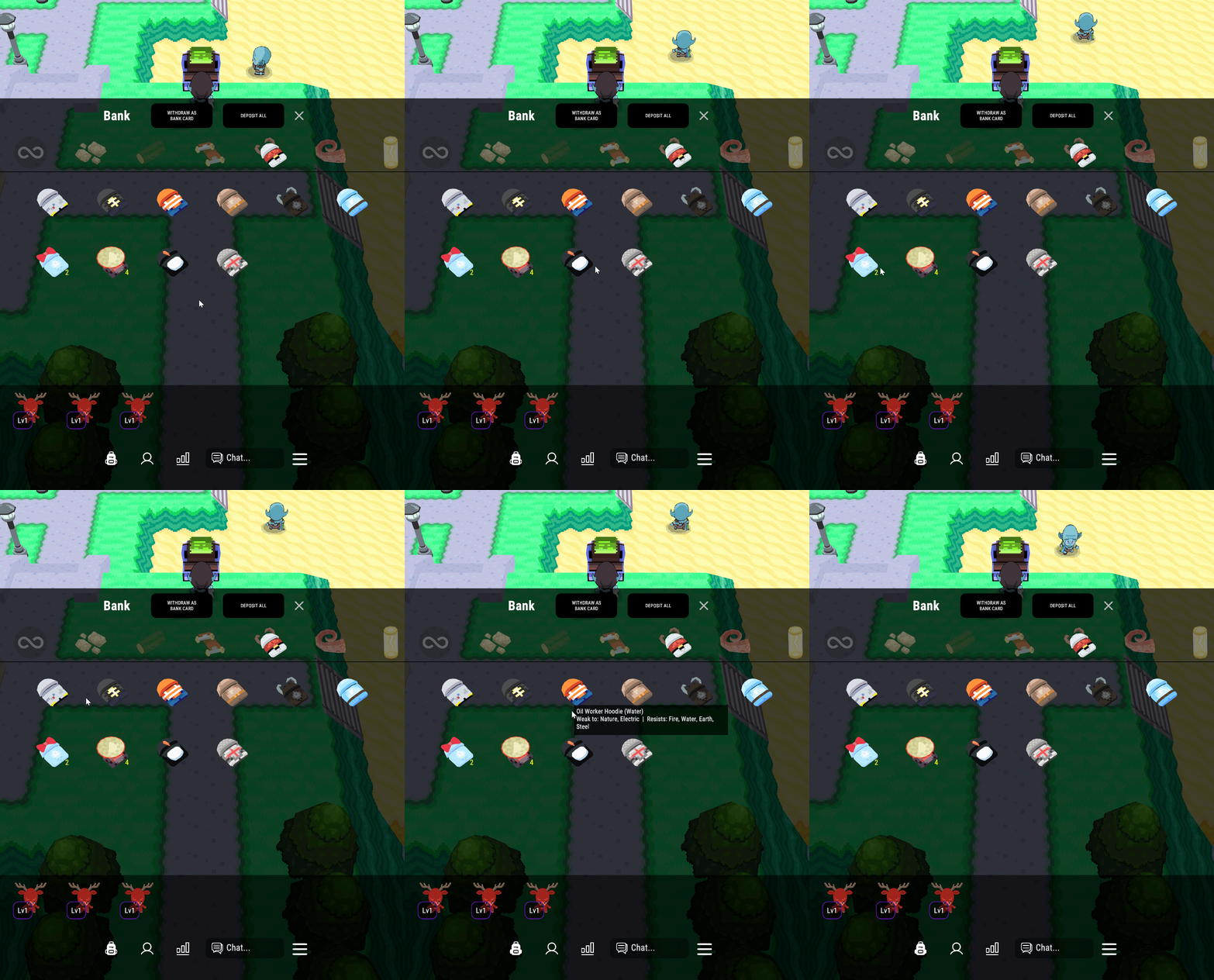
- Enhanced item tooltips
- UI stylization (themes, HUD tweaks, QoL improvements)
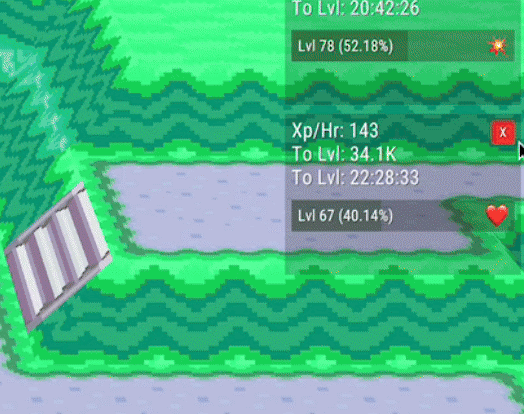
- XP trackers
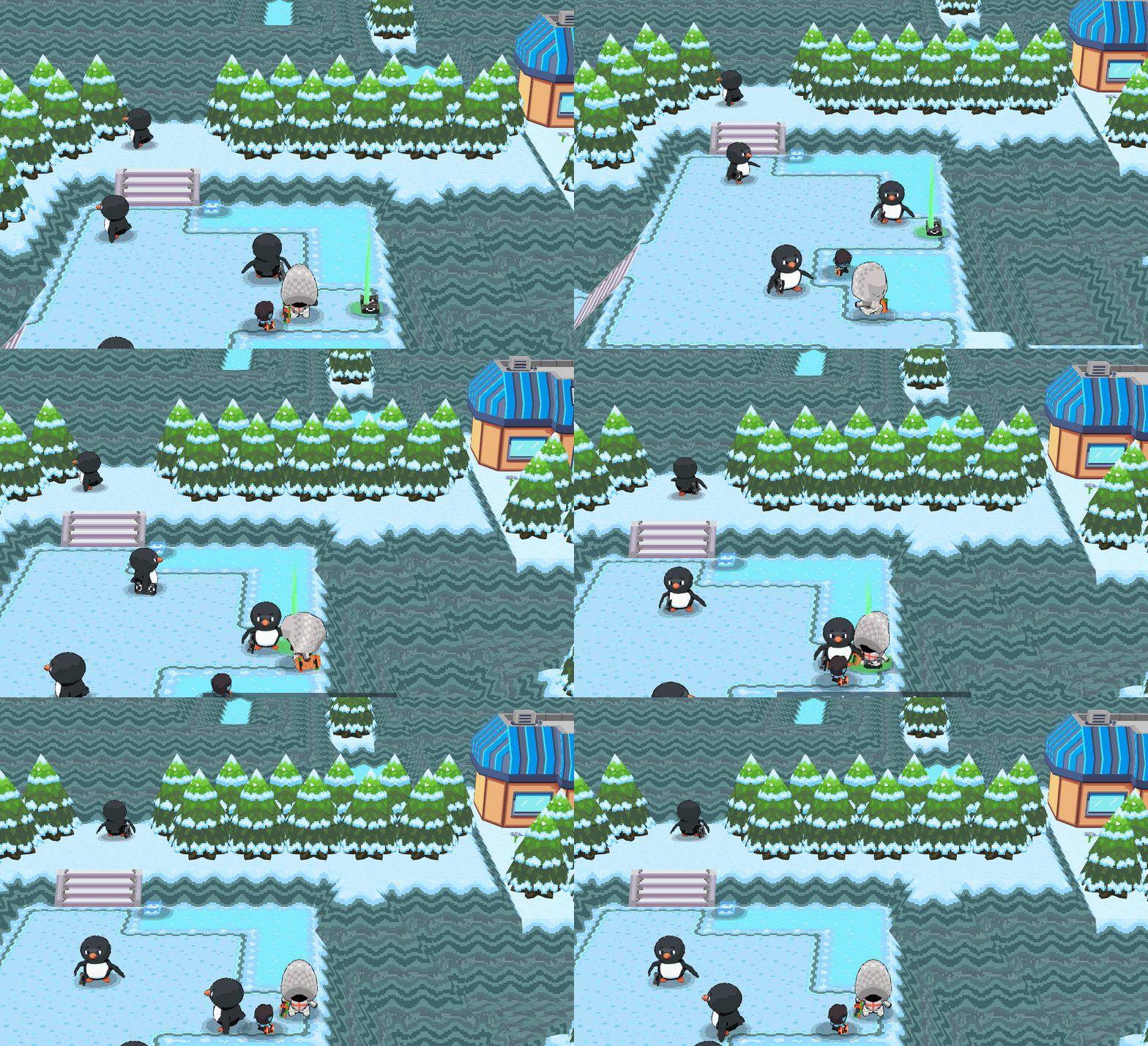
- Respawn timers for mobs
And more!
Plugins are developed by the official Pow Vista team and community contributors.
🦺 Safety
All plugins shared in this repository are verified by the Pow Vista developers to ensure they are:
✔ Secure to use
✔ Free from malware
✔ Compatible with official Pow Vista builds
❔ Plugins FAQ
Can I download plugins on iOS and Android? Unfortunately, .dll plugins can only be enabled on PC.
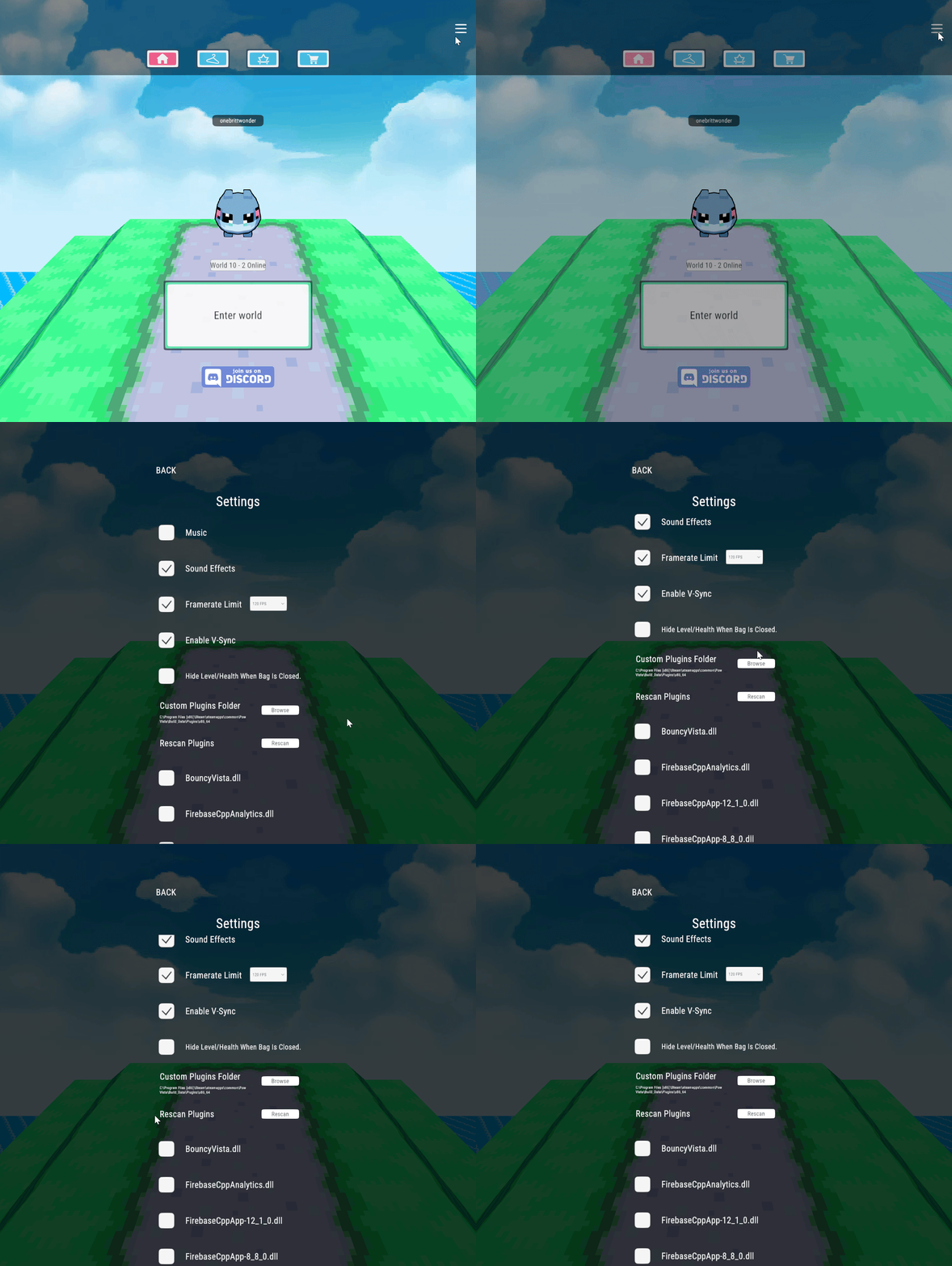
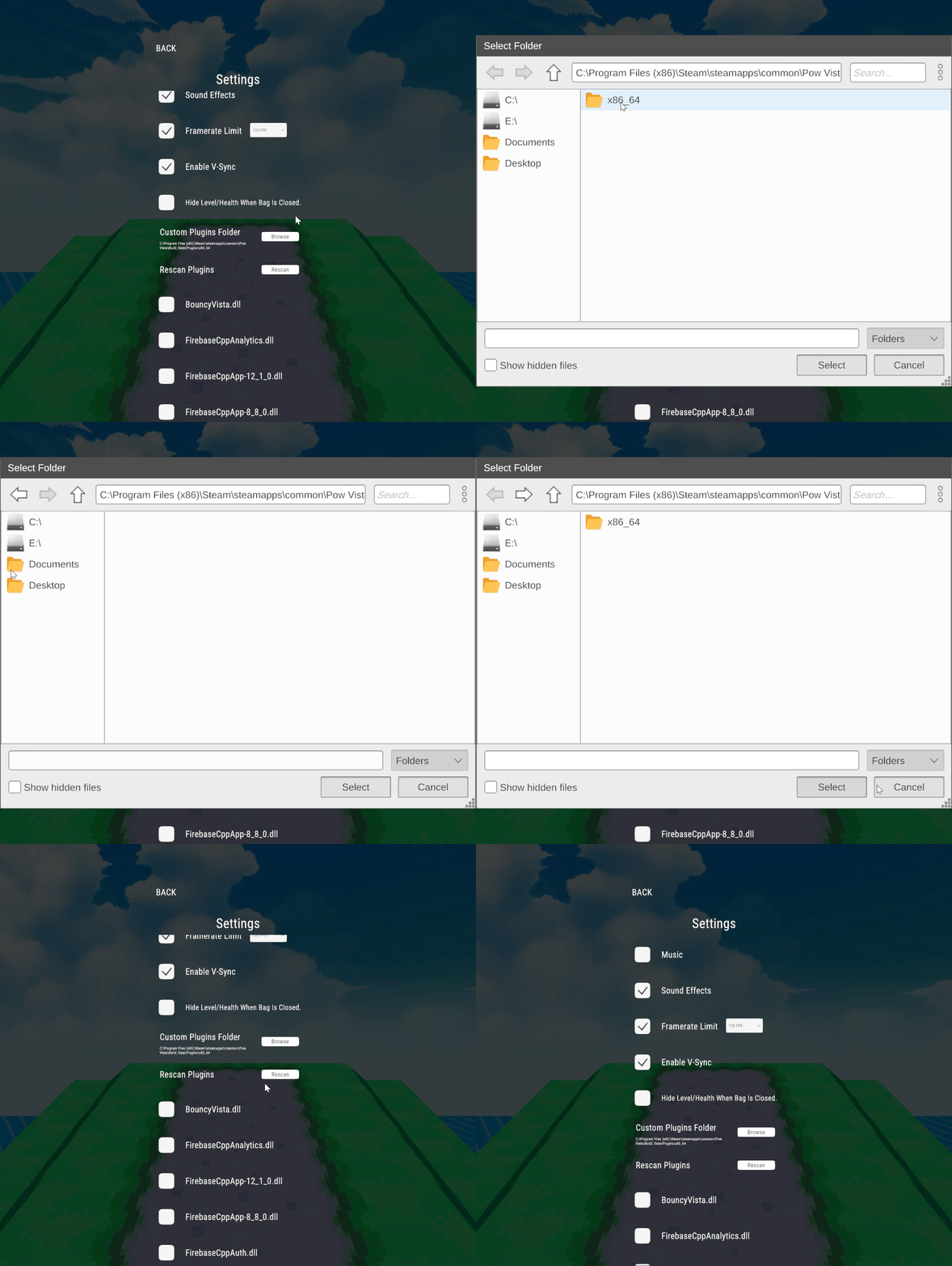
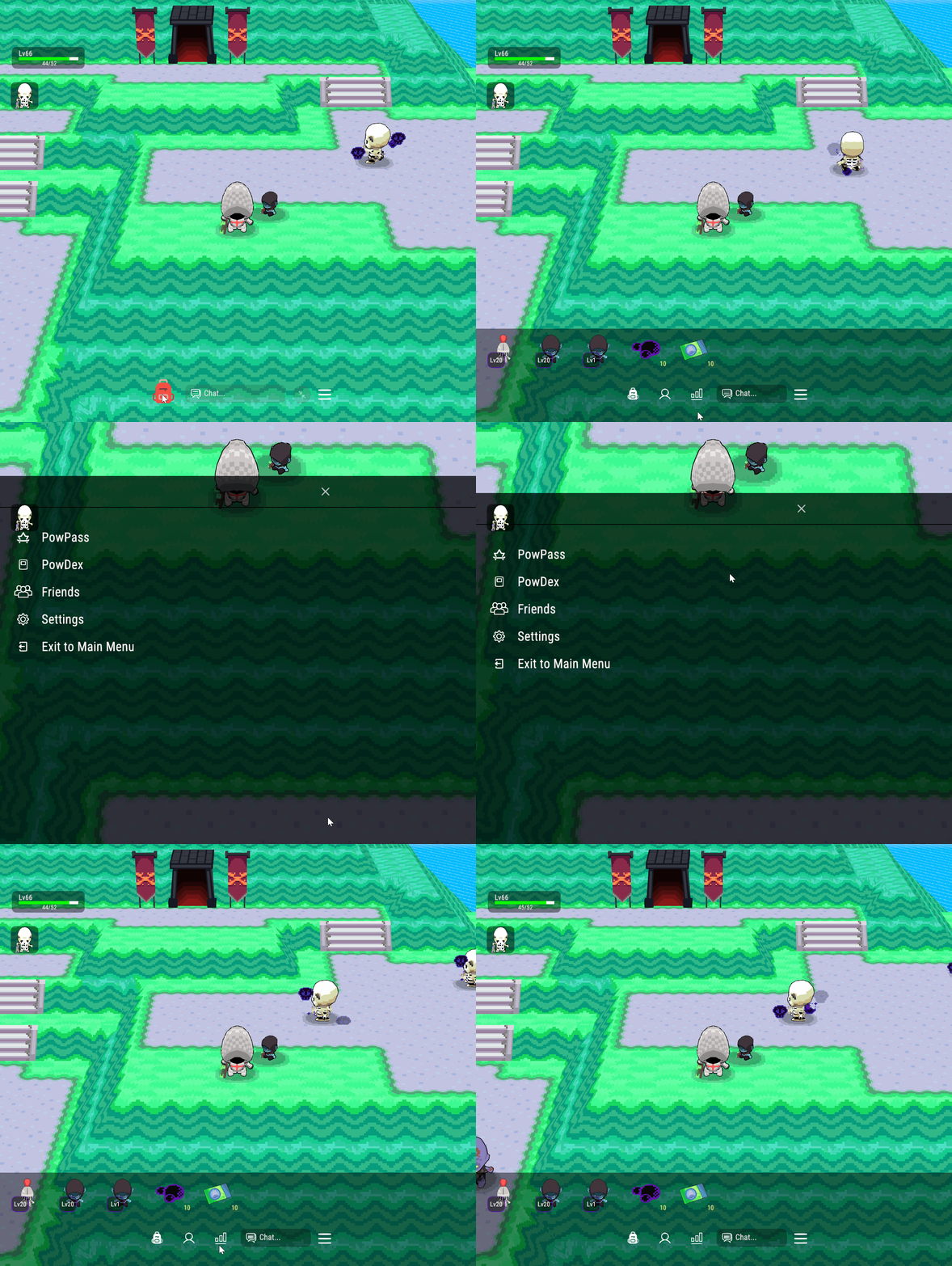
How do I install plugins for Pow Vista? 1️⃣ Open Pow Vista and navigate to the settings menu. Scroll down to the Custom Plugins Folder to set
2️⃣ Choose where you would like your plugins to be loaded from into Pow Vista. There is a Plugins folder in the Steam files already. C:\Program Files (x86)\Steam\steamapps\common\Pow Vista\Build_Data\Plugins\x86_64
3️⃣ Put the plugin files in that folder. These can be in the form of a zip you must extract then move the contents to the folder you have set in step 2. Or a simple .dll file.
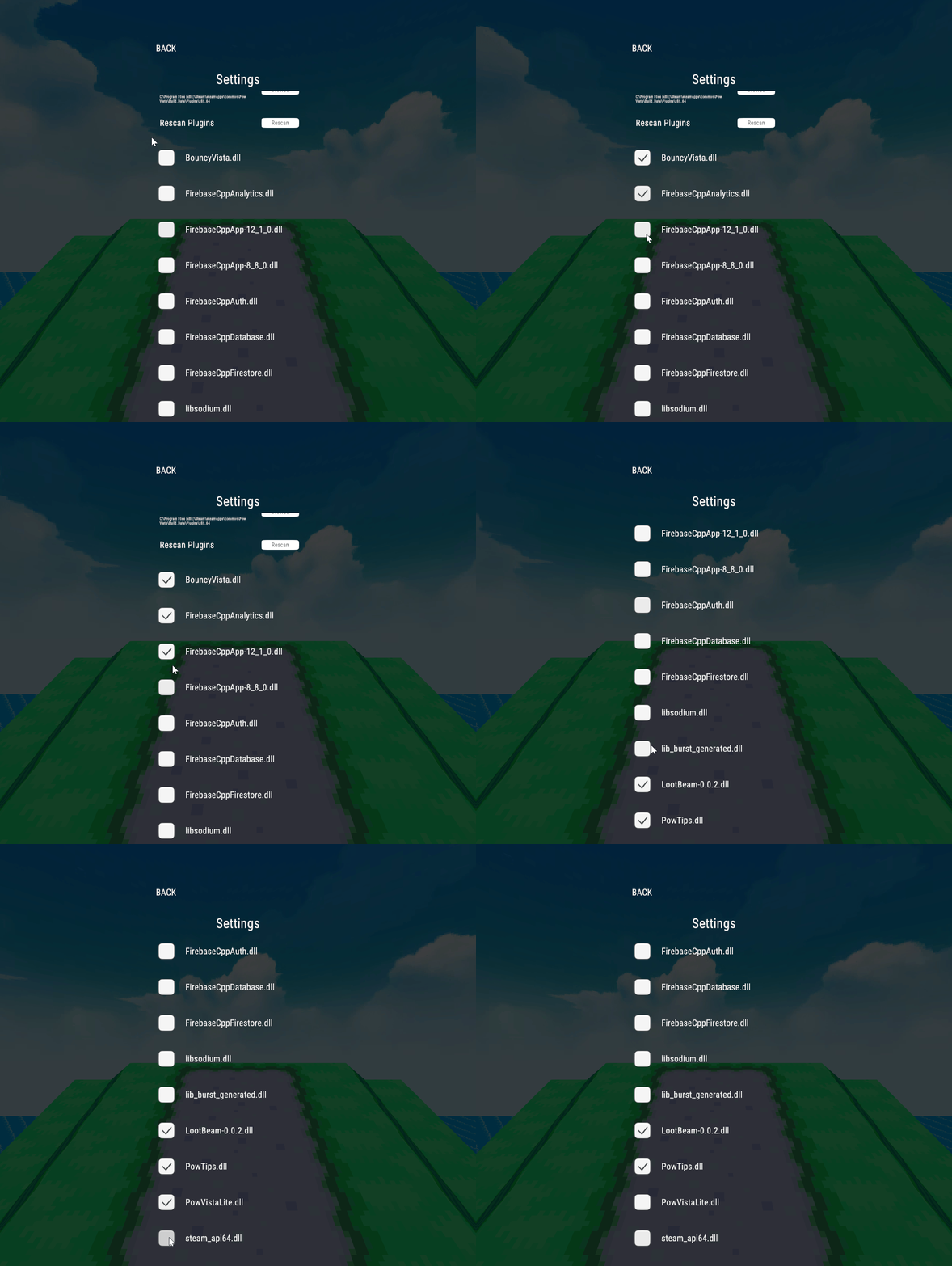
4️⃣ Return to Pow Vista settings, click “Rescan” to recognize any newly added plugins.
5️⃣ Use the toggle check marks by the plugins to enable/disable them.
6️⃣ Select a world and play Pow Vista with your new plugin!
How do I update a plugin I already installed? 1️⃣ Navigate to your plugin folder and replace the old plugin file(s) with the new ones.
2️⃣ Go to Pow Vista main menu settings and click “Rescan”
3️⃣ The plugin should now be updated to the latest version!
How do I disable a plugin after using it? 1️⃣ Go to settings where your plugins are located
2️⃣ Untick the checkbox next to the plugin you wish to remove
3️⃣ Plugin should now unload! If it doesn’t, that means the plugin itself has an issue fully shutting off. Inform the creator!
⚙️ Downloadable Plugins
View all the Pow Vista plugin repository here:
We recommend some familiarity with GitHub
⬇️ Direct download plugins here:
BouncyVista by serversoffline
Adds a bouncy feel to Pow Vista UI
PowVistaLite (aka XPTracker) by Mockroach / RebelWonder
Adds pinnable XP Trackers to Pow Vista
RespawnTimer by RebelWonder
Respawn timer for in Pow Vista
- After killing a mob, a tile spawns beneath them with a countdown timer to when the mob will respawn.
Adds colored loot beams that depend on rarity. Easier to see high value loot!
InventoryCounter by RebelWonder
Adds a counter at the bottom of inventory so PC players no longer have to drag to see how many spaces they have left!
PowTips by onebrittwonder / RebelWonder
Adds tooltips that appear when mouse hovers items in bank and inventory UI
- shows name and element type of item
- shows type match up info for skateboards and hoodies
MenuEntrySwapper by RebelWonder